The Best Free Tools for Aspiring Web Developers
In the rapidly evolving world of web development, aspiring developers face the exhilarating yet complex task of learning and mastering a vast array of skills. From coding languages to design principles, debugging to deployment, the journey can seem daunting without the right resources. Fortunately, the digital age has ushered in an abundance of free tools that not only make the learning process accessible but also empower beginners to build, test, and launch websites with confidence. Whether you are exploring HTML and CSS for the first time or venturing into JavaScript, frameworks, and version control, having the right toolkit is crucial for progress. This article explores the best free tools available today that can significantly enhance the learning curve and productivity of aspiring web developers.
- Code Editors: Your Coding Playground
- Web Browsers with Developer Tools
- Online Code Playgrounds
- Learning Platforms and Interactive Tutorials
- Version Control with Git and GitHub
- Graphic Design Tools for Web Developers
- Responsive Design Testing Tools
- Browser Extensions for Productivity
- Testing and Debugging Frameworks
- Backend-as-a-Service (BaaS) Solutions
- Content Management Systems (CMS)
- Community Forums and Documentation Resources
- Conclusion
- More Related Topics
Code Editors: Your Coding Playground
A good code editor is the heart of every developer's workstation. It’s where you write, edit, and experiment with your code. For beginners, tools like Visual Studio Code (VS Code) are invaluable. VS Code offers an intuitive interface, extensive language support, built-in Git integration, and a vast marketplace of free extensions that enhance productivity. Alternatives like Sublime Text and Atom also provide lightweight environments perfect for rapid development. These editors feature syntax highlighting, code completion, and debugging support which streamline the coding process, lessen errors, and make learning enjoyable.
Web Browsers with Developer Tools
Modern web browsers like Google Chrome, Mozilla Firefox, and Microsoft Edge come equipped with powerful developer tools that are essential for testing and debugging your web pages. Chrome’s DevTools, for instance, allow you to inspect HTML elements, modify CSS styles on the fly, monitor performance, and analyze network activity directly in the browser. These tools provide immediate feedback, helping beginners understand how their code affects a webpage in real-time. Learning to use browser dev tools is a fundamental skill that enhances problem-solving and optimization capabilities.

Online Code Playgrounds
Web-based code playgrounds such as CodePen, JSFiddle, and JSBin enable developers to write and experiment with front-end code instantly without any setup. These platforms allow you to create, share, and collaborate on code snippets written in HTML, CSS, and JavaScript. For aspiring developers, these live environments are fantastic learning tools because they provide quick visual feedback and foster a community where users can discover and study others’ code. They also support frameworks and libraries, offering a low-barrier entry into modern web development.
Learning Platforms and Interactive Tutorials
Structured learning is fundamental for mastering web development concepts. Free platforms like freeCodeCamp, The Odin Project, and Codecademy (free tier) provide comprehensive curriculums that cover everything from fundamentals to advanced topics. These sites offer interactive coding challenges, projects, and quizzes that reinforce knowledge through practice. Moreover, they often include community forums to connect with peers, allowing students to ask questions and receive support, which enriches the learning experience and keeps motivation high.
Version Control with Git and GitHub
Understanding version control is essential for any developer aiming to work collaboratively or manage projects efficiently. Git is the most popular version control system, and it’s free to use. Platforms like GitHub offer hosting for Git repositories, enabling developers to save code versions, track changes, and collaborate remotely. GitHub also supports project documentation and issue tracking. Mastery of Git and GitHub not only improves coding discipline but also allows beginners to build portfolios that can attract employers or clients.
Graphic Design Tools for Web Developers
Web development is not only about coding but also about creating visually appealing user experiences. Free design tools such as Figma and Canva equip aspiring developers with the ability to prototype and design interfaces without needing expert graphic design skills. Figma is particularly notable for interface design and collaboration, helping teams to draft mockups and wireframes interactively. Meanwhile, Canva lets you create polished visual assets quickly, which is useful for enhancing website aesthetics without complex software.
Responsive Design Testing Tools
With mobile internet usage surpassing desktop, ensuring websites look good on all devices is critical. Tools like Responsive Design Checker and browser-based emulators within DevTools allow developers to test how their websites render across different screen sizes and resolutions. This testing can reveal layout issues and performance bottlenecks on mobile devices, enabling developers to create sites that offer consistent, user-friendly experiences regardless of device type.
Browser Extensions for Productivity
Browser extensions can significantly streamline the development process. Tools such as React Developer Tools and Vue.js devtools help developers inspect and debug components when working with popular JavaScript frameworks. Extensions like ColorZilla assist in extracting color codes from websites, while WhatFont helps identify fonts used online. These productivity boosters save time and let developers focus on coding and design rather than guessing or manual checking.
Testing and Debugging Frameworks
Building error-free websites requires thorough testing. Free frameworks like Jest (for JavaScript) and Mocha offer powerful testing environments that verify the correctness of your code. These tools allow you to write automated tests that help catch bugs early, enhancing reliability and maintainability. For beginners, learning to write tests can seem challenging, but using these tools builds robust development habits and improves understanding of application behavior.
Backend-as-a-Service (BaaS) Solutions
Aspiring web developers interested in full-stack development can leverage free Backend-as-a-Service platforms like Firebase and Heroku. Firebase offers features such as authentication, real-time databases, and hosting, providing a serverless backend that can be easily integrated with front-end code. Heroku allows developers to deploy web applications with minimal configuration. Both platforms offer free tiers that help beginners deploy and test live applications without investing in costly infrastructure.
Content Management Systems (CMS)
For developers looking to quickly create websites with dynamic content, free CMS tools like WordPress and Joomla provide robust platforms. While traditionally associated with site building without deep coding, many developers customize CMS with plugins and themes by editing code, making them suitable learning grounds. These systems teach about templating, database interaction, and user management — key web development concepts. Using CMSs can also help developers understand website architecture at a deeper level.
Community Forums and Documentation Resources
No developer’s journey is complete without community support and reliable documentation. Platforms such as Stack Overflow, MDN Web Docs, and Reddit’s webdev community are treasure troves of information. Stack Overflow helps troubleshoot specific problems with answers from experienced coders, while MDN Web Docs offers authoritative explanations and examples for web standards. Engaging with these communities encourages continuous learning, problem-solving, and staying updated with industry trends.
Conclusion
Embarking on a web development journey is both exciting and challenging, but the abundance of free, high-quality tools today lowers barriers and accelerates skill acquisition for beginners. From versatile code editors like Visual Studio Code to interactive learning platforms such as freeCodeCamp, and from version control systems like GitHub to responsive design checkers, every tool plays a vital role in nurturing competence and creativity. Moreover, leveraging design resources, testing frameworks, backend services, and community support equips aspiring developers with a holistic skillset that spans the ecosystem of modern web development. By embracing these free resources, learners can effectively bridge the gap between theory and practice, laying a solid foundation to build dynamic, responsive, and professional websites. As the web continues to evolve, mastery of these tools not only empowers developers to thrive today but also prepares them for the innovations of tomorrow.
 Big O Notation Explained for Beginners
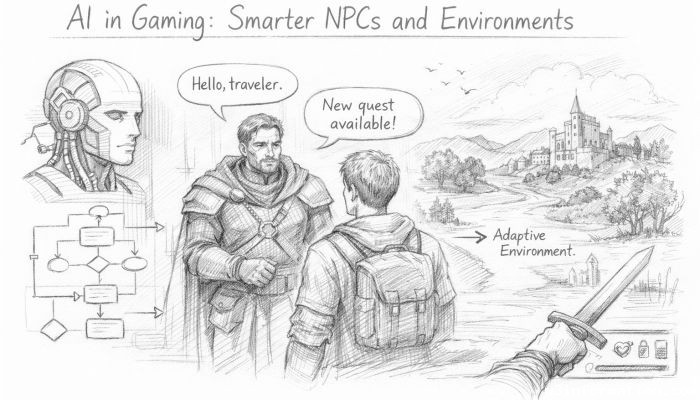 AI in Gaming: Smarter NPCs and Environments
 Understanding Bias in AI Algorithms
 Introduction to Chatbots and Conversational AI
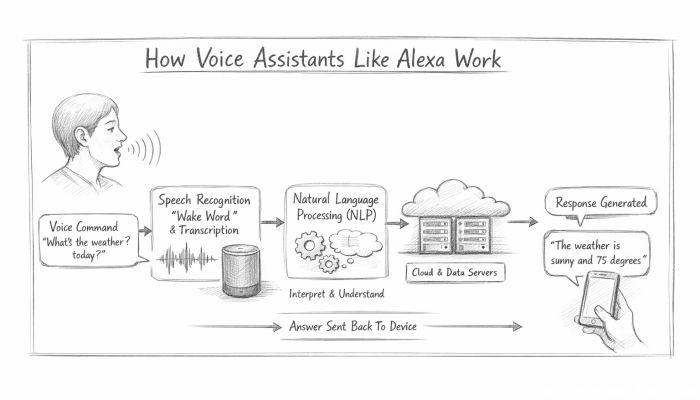 How Voice Assistants Like Alexa Work
 Federated Learning: AI Without Sharing Data